Corporate Training Video Production: Build a Library, Not One Video
Corporate training video production covers onboarding, compliance, and product video. Here is how it works and how to produce it at volume.
Corporate training video production is the process of making the video your company uses to teach people: onboarding, compliance, product walkthroughs, software how-tos, and safety. Most of it does not need a film crew. The majority of training content is built from screen recordings, animation, motion graphics, voiceover, and editing, which means it can be produced remotely.
The real challenge is rarely one video; it is producing a library of them, keeping them consistent, and updating them when the process changes. This guide covers the formats, what production actually involves, how long it takes, and how to produce training video at volume without hiring a team.
What is corporate training video production?
It is the making of instructional video for employees, partners, or customers. The purpose is to teach a task or a policy once, in a way people can watch again, instead of running the same live session repeatedly.
The business case is repetition. A training session delivered live costs the same every time you deliver it. The same content as video costs once to produce and then serves every new hire, every refresher, and every location. That is why training video tends to arrive as a program, not a project.
What types of corporate training video are there?
Five cover most of what companies produce.
Onboarding video introduces the company, the tools, and the first-week tasks. Compliance video covers policy, regulation, and safety, and usually needs version control and a record of updates. Product training teaches your own team or your customers how the product works. Software and process how-tos walk through a screen, step by step. Skills training covers the softer material: sales conversations, leadership, service standards.
The formats differ in what they need. How-tos and product training are screen-led. Compliance and skills training lean on scenarios and animation. Onboarding often mixes real footage with motion graphics.
Do you need a film crew for training video?
For most of it, no. This is the point that changes the budget and the timeline. Screen recordings, animated explainers, motion graphics, kinetic text, voiceover, and editing all happen without anyone on location. A large share of a typical training library never needs a camera.
You need a crew when the content depends on the physical world: a factory floor, equipment handling, a real workspace, or named leaders on camera. A practical approach is to separate the two. Film the small share that must be filmed, in one batch, and produce everything else remotely on a rolling basis. That keeps the expensive part small and the recurring part fast.
What does producing a training video actually involve?
The sequence is consistent across formats.
You start with the source material: the process, the policy, or the subject expert's knowledge. That gets shaped into a script and a storyboard, which is where most quality is won or lost, because a training video that is unclear on paper stays unclear on screen. Then production: recording the screen or the footage, building the animation and motion graphics, recording voiceover. Then editing, captions, and any localization. Then review with the subject expert, revisions, and delivery in the formats your platform needs.
Build for updating from the start. Training content goes stale when a process, a policy, or an interface changes. Keep the source files, use modular sections, and avoid baking specifics into the artwork where a text layer would do. That is the difference between editing one section next year and remaking the whole video.
How long does a training video take to produce?
For a standard screen-led or animated module of a few minutes, plan in weeks rather than days once script, production, review, and revisions are counted. The script and the expert review usually take longer than the production itself, because they depend on people inside your business finding time.
Volume changes the maths. The first module in a series is the slowest, because that is where the template, the voice, the graphics system, and the approval route get set. Modules two through twenty move considerably faster on the same template. If you are planning a library, plan the template first.
How do you produce training video at volume?
This is where most programs stall. One video is a project. Forty videos, updated yearly, is an operation, and it needs steady capacity rather than a one-off booking.
| Approach | Best for | Where it strains |
|---|---|---|
| In-house hire | Constant, year-round volume | Cost of the hire; one person rarely covers script, animation, and edit |
| Local crew or agency per project | Content that must be filmed on location | Re-briefing each time; cost per project; consistency drifts across vendors |
| Freelancers | Occasional one-off modules | Coordinating several skills; availability; no one owns the template |
| Dedicated remote team | Ongoing libraries and updates | Needs a clear brief and a named owner on your side |
For an ongoing library, a standing team that already knows your template, your terminology, and your brand will produce faster in month three than any arrangement rebuilt each time.
How Room4 Teams produces corporate training video
Room4 Teams gives you a dedicated creative team that produces training video as ongoing volume, not one-off projects, covering animation, motion graphics, video editing, screen-led modules, and the graphic design that goes around them. See what we produce. A dedicated creative project manager runs communication and quality control, and creative direction holds the template steady, so module twenty looks like module one.
You choose how it runs. The managed service takes the briefs and returns finished work, from one team member up, on one fixed monthly fee that covers unlimited tasks, unlimited revisions, and the full tech stack: all software, all AI tools, and all the stock libraries we use. The integrated option embeds our creative production in your tools. You set priorities and approve the output; we remain responsible for our people, methods, and quality. On cost, a dedicated team runs around 45% less than the loaded cost of hiring the same role in-house (salary plus employer taxes). See pricing. The team starts within two business days and flexes with one month's notice, so you can push hard through a build phase and scale back for maintenance. See how it works, or read how a team a few time zones away keeps production moving overnight in outsourcing creative services. Agencies producing training video for their clients can have the same team work under their own brand.
What to do next
Related reading: social media video production.
Frequently asked questions
What is corporate training video production?
Do you need a studio or film crew to make training videos?
How long does it take to produce a training video?
How do you keep training videos consistent across a large library?
How do you handle updating training videos when a process changes?
More on Creative Production

When Your Marketing Team Is Designing in Canva: What to Hand Off
DIY design in Canva and AI tools is right for some work and costly for the rest. What it really costs, what to keep in-house, and what to hand off.
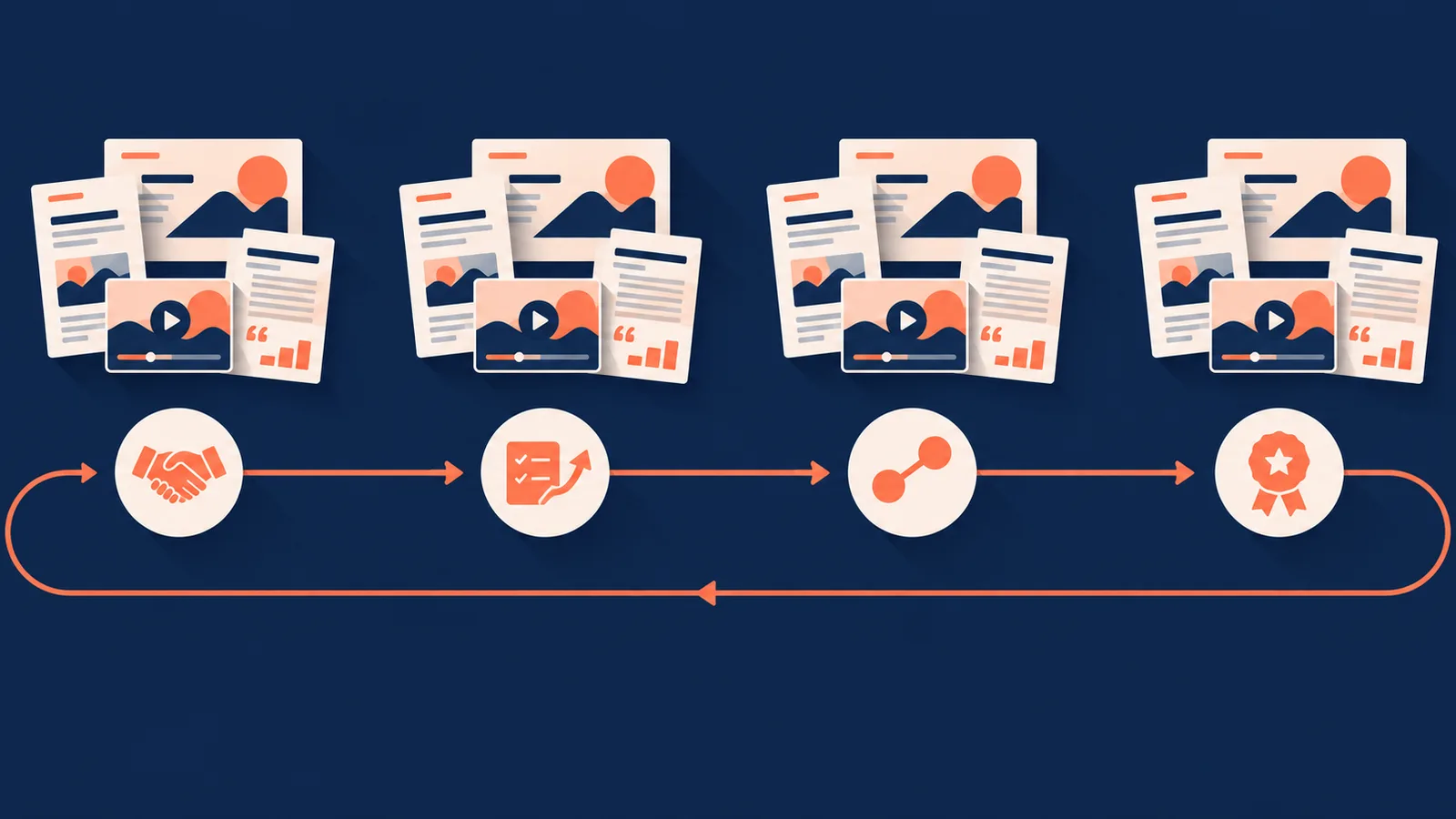
Marketing Collateral Design Services: The Whole Customer Journey
A dedicated team designs your collateral across the whole customer journey: sales, onboarding, referral, and advocacy. What it covers and how to choose one.
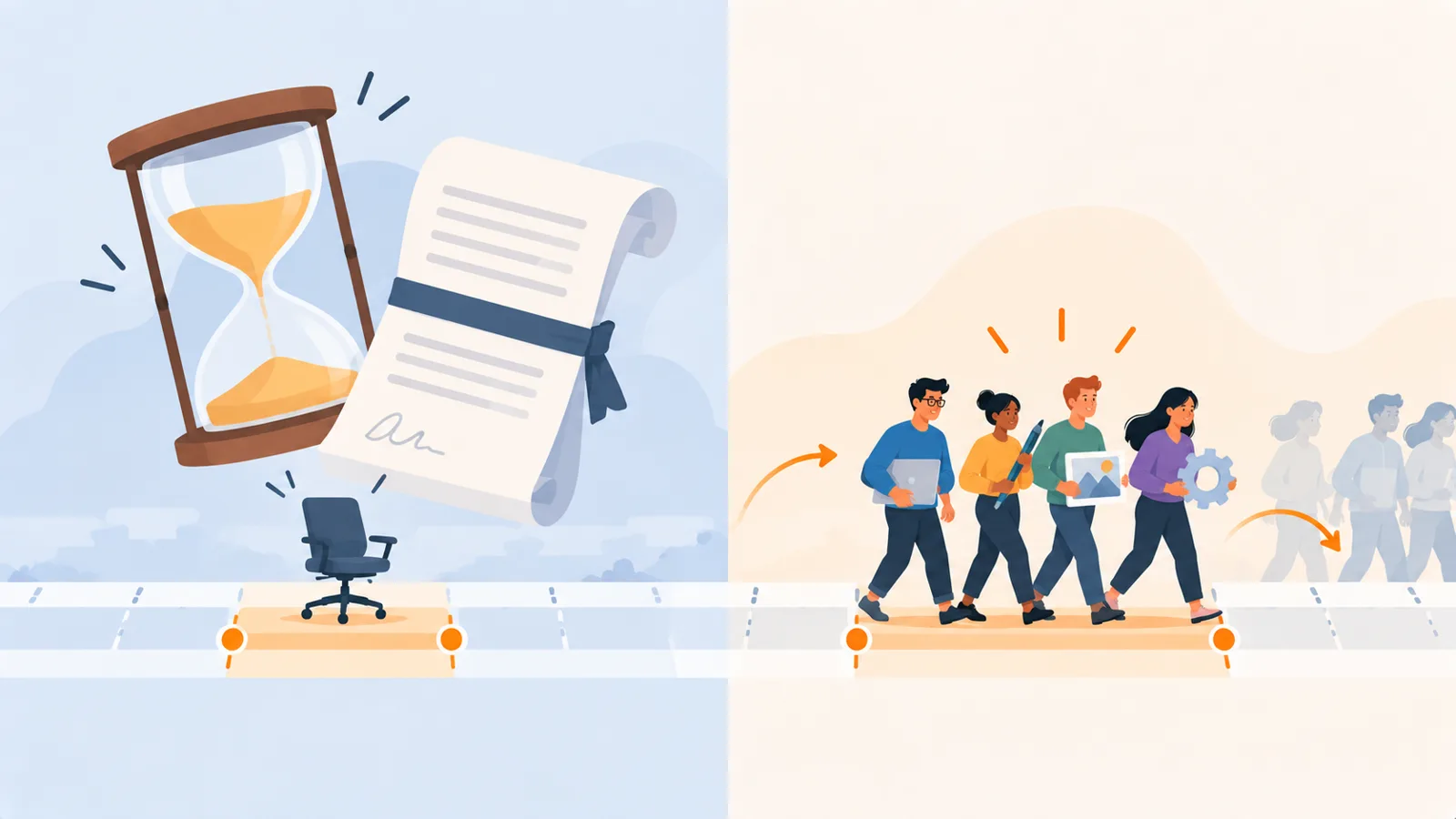
Covering a Designer’s Leave or Hiring Gap Without a 12-Month Contract
A maternity cover, a departure, or a launch needs capacity for a set period, not a permanent hire or a year-long contract. The options, and a faster way.